People searching for IPTV fibre broadband New Zealand speed usually want one thing: the number that tells them whether 4K will hold. New Zealand has one of the best fibre networks in the world, and it is the reason IPTV works as well as it does here. The Ultra-Fast Broadband rollout through Chorus has put fibre in most homes in Auckland, Wellington, Christchurch, Hamilton, Tauranga and Dunedin, and the standard plan is 100 Mbps or faster. That is four times what a 4K stream needs — which means that when a stream freezes, the fibre is almost never the cause.
This guide is about the numbers and the checks: how much speed each quality needs, what the broadband plans actually deliver, and how to find whether the bottleneck is the fibre, the router, the Wi-Fi or the app. Run the checks in order and the answer takes ten minutes.
IPTV Fibre Broadband New Zealand Speed: What You Need
The numbers are small. A 4K stream needs about 25 Mbps steady, an HD stream needs about 8 Mbps, and a standard-definition stream needs about 3 Mbps. A household with two TVs in 4K needs about 50 Mbps, and three TVs need about 75 Mbps. The standard New Zealand fibre plan delivers 100 Mbps, the mid plan delivers 300 Mbps, and the top plan delivers 1 Gbps — so even the cheapest fibre plan handles three 4K streams with room to spare.
The number that matters is the steady speed at the TV, not the headline speed on the plan. A 100 Mbps plan that delivers 100 Mbps to the router and 12 Mbps to the lounge TV is a 12 Mbps connection for the television. Test on the TV itself, not on the phone in the kitchen, and test at 7:30 pm, not at midday. If the TV speed is low, fix the Wi-Fi first.
Chorus fibre and the UFB rollout
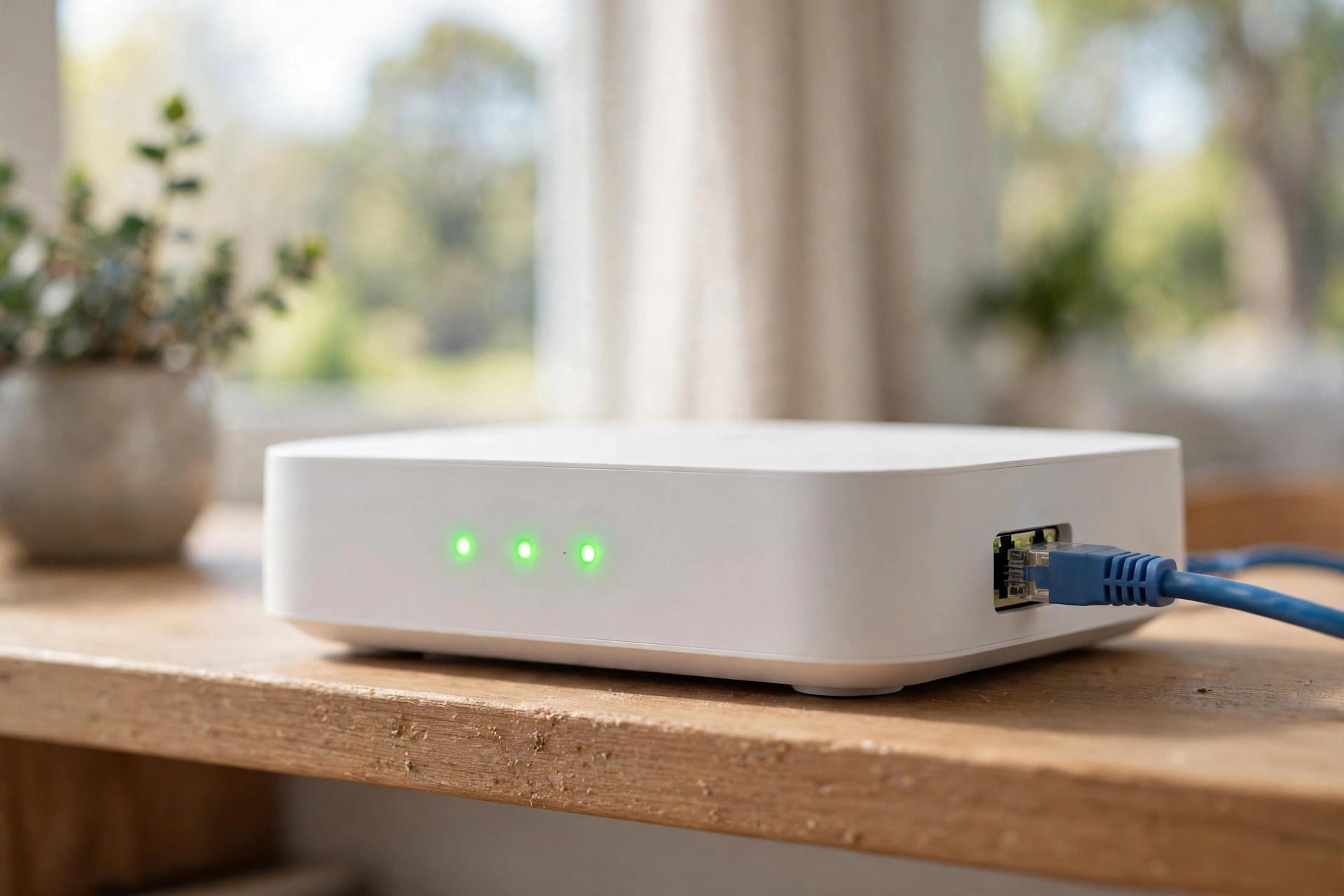
Chorus built the Ultra-Fast Broadband network that most of New Zealand uses, and the fibre into the house is the same whether the bill comes from Spark, One NZ, 2degrees or a smaller provider — the difference is the plan, the router and the support, not the glass in the ground. The fibre terminates in an ONT box on the wall, usually in the lounge or the hallway, and the router plugs into it.
If the house does not have fibre yet, the Chorus website shows the address and the date. Most urban addresses in Auckland, Wellington and Christchurch have had fibre for years; some rural addresses still run on copper VDSL or fixed wireless, and those connections need more care — a 4K stream on a 30 Mbps VDSL line is tight, and HD is the honest setting. Check the address before you promise the household 4K.
Spark, One NZ and 2degrees: which plan for IPTV?
The three big providers sell the same fibre at similar prices: a 100 Mbps plan, a 300 Mbps plan and a 1 Gbps plan, with the 300 Mbps plan usually only a few dollars more than the 100 Mbps plan. For IPTV, the 300 Mbps plan is the sweet spot for a household with two or three TVs, because it leaves headroom for gaming, video calls and downloads at the same time as the rugby.
The router matters more than the plan. A router supplied five years ago may not handle Wi-Fi 6, and a Firestick 4K Max on an old router is a fast car on a gravel road. Spark, One NZ and 2degrees all supply a Wi-Fi 6 router with a new plan, and a mesh system with a node in the lounge is the upgrade that fixes more buffering than any plan change. Ask for the mesh when you sign up — it is often discounted with the plan.
Testing your speed the right way
Test on the TV, at peak time, on the connection the TV actually uses. Open a speed test on the Firestick or the Smart TV — most have one in the app store — and run it at 7:30 pm on a Saturday. If the TV gets 25 Mbps or more, the connection is fine for 4K and the problem is elsewhere. If it gets under 10 Mbps while the phone in the same room gets 100 Mbps, the TV's Wi-Fi chip is the limit.
Test twice: once on Wi-Fi, once on Ethernet, if the TV has a LAN port. The difference between the two numbers is the cost of the Wi-Fi in your house, and it is usually the whole story. A cable that costs $15 and takes five minutes to run is the cheapest upgrade in the house. Start a free trial and test the service on the real connection before you pay. See the setup guides for every device we support.
The ONT, the router and the lounge
The fibre into a New Zealand house ends in an ONT box on the wall, usually in the lounge or the hallway, and the router plugs into it. The ONT is the box Chorus installed when the fibre went in, and it turns the light in the glass into the internet the house uses. The router is the box that turns that internet into Wi-Fi, and the two boxes together decide how fast the television is. The fibre itself is the same whether the bill comes from Spark, One NZ, 2degrees or a smaller provider — the difference is the plan, the router and the support, not the glass in the ground. The standard plan is 100 Mbps or faster, the mid plan is 300 Mbps, and the top plan is 1 Gbps, and even the cheapest fibre plan handles three 4K streams with room to spare — which means that when a stream freezes, the fibre is almost never the cause.
The weak point is the hop from the router to the TV, and the ONT shows why: the ONT is usually in the lounge or the hallway, and the router sits beside it, while the TV sits two rooms away, through two walls, on the Wi-Fi. The number that matters is the steady speed at the TV, not the headline speed on the plan — a 100 Mbps plan that delivers 100 Mbps to the router and 12 Mbps to the lounge TV is a 12 Mbps connection for the television. Test on the TV itself, not on the phone in the kitchen, and test at 7:30 pm, not at midday. The buffering guide walks through the whole diagnosis in order, and the Firestick guide covers the device settings that matter.
Wi-Fi 6 and the 5 GHz band
Wi-Fi 6 is the standard that matters for a New Zealand lounge in 2026, because it is the standard the Firestick 4K Max, the newer Samsung and LG TVs, and the routers Spark, One NZ and 2degrees supply with a new plan all speak. The 5 GHz band is faster and emptier than the 2.4 GHz band — every neighbour's router, every Bluetooth speaker and every microwave is on 2.4 GHz — but 5 GHz does not reach as far through walls. If the router is in the same room as the TV, 5 GHz wins every time. If it is two rooms away, the answer is not a better Wi-Fi band — it is a cable, or a mesh node in the lounge. A router supplied five years ago may not handle Wi-Fi 6, and a Firestick 4K Max on an old router is a fast car on a gravel road, so the router is the upgrade that fixes more buffering than any plan change.
The band check is simple: open the Wi-Fi settings on the TV or the Firestick, and check which network it is on. If the house has one network name for both bands, the device picks the band, and it usually picks wrong — split the bands into two names, put the TV on the 5 GHz name, and the phones on the 2.4 GHz name, so the television is not competing with the phones. If the router is in the hallway and the TV is in the lounge, a mesh system with a node in the lounge is the fix that works in most houses, and Spark, One NZ and 2degrees all sell them. Ask for the mesh when you sign up — it is often discounted with the plan — and test the speed on the TV before and after, so the household can see the difference the node makes.
| Stream | Speed needed | On a 100 Mbps plan | On a 300 Mbps plan |
|---|---|---|---|
| One SD stream | about 3 Mbps | Plenty of room | Plenty of room |
| One HD stream | about 8 Mbps | Plenty of room | Plenty of room |
| One 4K stream | about 25 Mbps | Fine, with room to spare | Fine, with room to spare |
| Two 4K streams | about 50 Mbps | Fine, if the Wi-Fi holds | Fine, with room to spare |
| Three 4K streams | about 75 Mbps | Tight — check the TV speed | Fine, with room to spare |
Rural New Zealand: VDSL, wireless and satellite
Most urban addresses in Auckland, Wellington and Christchurch have had fibre for years, but some rural addresses still run on copper VDSL or fixed wireless, and those connections need more care. A 4K stream on a 30 Mbps VDSL line is tight, and HD is the honest setting — a 4K stream needs about 25 Mbps steady, and a VDSL line that delivers 30 Mbps on a good day delivers less on a wet day, when the copper is at its worst. Fixed wireless is the same story: the speed depends on the tower, the weather and the neighbours, and the evening peak is the worst time. The check is the same as on fibre — test on the TV itself, at 7:30 pm, and trust the number the TV gives you, not the number on the plan.
Satellite broadband is the option for the houses the fibre will never reach, and it has improved enough to carry IPTV in HD, though 4K is still a stretch on a busy evening. The dish points at the sky, the latency is higher than fibre, and the rain fade is real — a heavy downpour can drop the speed for a few minutes, which is the worst time for a rugby match. The honest setting on satellite is HD, with the 4K feed as the test rather than the default, and the free trial on a match night is the way to find out whether the connection holds. Check the address on the Chorus website before you promise the household 4K — most urban addresses have fibre, some rural addresses do not, and the address check takes a minute. The city guide shows how the setup differs between the cities and the regions.
How much speed each room really needs
The household speed budget is simple once it is written down. One 4K stream needs about 25 Mbps steady, one HD stream needs about 8 Mbps, and one standard-definition stream needs about 3 Mbps. A household with two TVs in 4K needs about 50 Mbps, and three TVs need about 75 Mbps — and that is before the phones, the laptops, the gaming console and the video calls, which all share the same connection. The 100 Mbps plan handles two 4K streams easily, but a 100 Mbps plan with four people streaming, gaming and on video calls does not, and the 300 Mbps plan is usually only a few dollars more a month. For IPTV, the 300 Mbps plan is the sweet spot for a household with two or three TVs, because it leaves headroom for everything else at the same time as the rugby.
The test that matters is the one on the TV, at peak time, on the connection the TV actually uses. Open a speed test on the Firestick or the Smart TV, run it at 7:30 pm on a Saturday, and write the number down. Test twice: once on Wi-Fi, once on Ethernet, if the TV has a LAN port. The difference between the two numbers is the cost of the Wi-Fi in your house, and it is usually the whole story — a cable that costs $15 and takes five minutes to run is the cheapest upgrade in the house. If the TV gets 25 Mbps or more, the connection is fine for 4K and the problem is elsewhere. If it gets under 10 Mbps while the phone in the same room gets 100 Mbps, the TV Wi-Fi chip is the limit, and the Smart TV guide shows the settings that matter. Start the free trial and test the service on the real connection before you pay.
The numbers are small, and that is the good news: a 4K stream needs about 25 Mbps, the standard New Zealand fibre plan delivers 100 Mbps, and the gap between the two is the reason IPTV works as well as it does in this country. The fibre is rarely the bottleneck — the router, the Wi-Fi and the app are — and the ten-minute check finds which one it is.