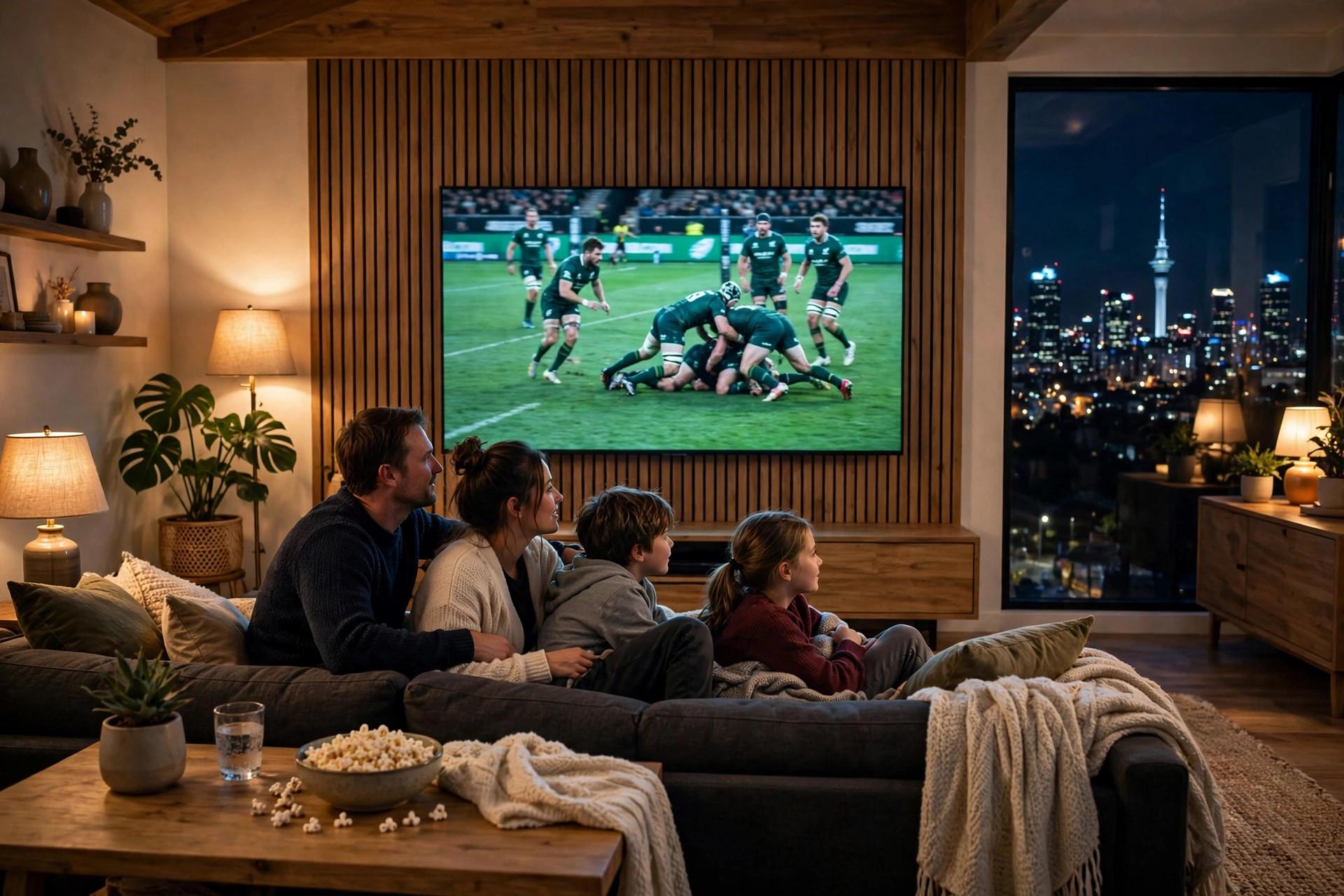
The best IPTV New Zealand viewers can buy in 2026 is the one that still works at 7:30 on a Saturday night, when the All Blacks are kicking off at Eden Park and half of Auckland is streaming the same match. Plenty of services look fine at midday and fall apart at kick-off. This guide uses the checks that matter in a Kiwi living room: Sky Sport NZ channels, picture quality on fibre, stability at peak time, the monthly price, and how fast you can get set up on a Firestick or a Samsung TV.
Start with the channels you actually watch. A good New Zealand service has to carry Sky Sport 1 through 9 for rugby, league and cricket, plus TVNZ 1, TVNZ 2, Three, Sky Open and Whakaata Māori for local free-to-air, and the big international sport and movie channels on top. 4K Media New Zealand Premium bundles 57,000+ channels, 185,000+ movies and 49,000+ series in one subscription, in HD, Full HD, 4K and 8K, with a 24-hour free trial so you can test it on your own TV before paying.
Best IPTV New Zealand: what to check before you pay
Channel list first, price second. Open the channel list and search for Sky Sport NZ, ESPN, beIN Sports and the Premier League channels before you look at any price. A service that misses Sky Sport 1 on a Saturday is useless in this country, no matter how cheap it is. Ask for the full list on WhatsApp and check the five channels your household watches most, then check the catch-up and EPG so you can find the replay of a match you missed.
Then test at peak time. The free trial exists for this exact job: run it on a Friday or Saturday evening, not a Tuesday morning. Watch a live match on Sky Sport, flip to a 4K movie, then check a news channel. If the picture holds through the second half without freezing, the servers are doing their job. If it stutters on fibre, it will only get worse on a busy night, so walk away. See our plans and prices and compare the monthly cost against what you pay Sky and Netflix today.
Best IPTV New Zealand prices: Basic vs Premium
Premium costs $19.99 for one month, $49.99 for three months, $79.99 for six months and $99.99 for twelve months, which works out to about $8.33 a month on the annual plan. Basic costs $14.99, $24.99, $39.99 and $59.99 for the same periods, with 10,000+ channels and 80,000 movies and series in HD and Full HD. Households with more than one TV can take Premium for 12 months with two devices for $159.99, three for $224.99 or four for $269.99.
Do the maths over a full year before you compare. A service that charges $19.99 a month costs $239.88 over twelve months, while the same service on an annual plan costs $99.99 — a gap of almost $140 for identical content. That is why the annual Premium plan is the default pick for most Kiwi households. If you are unsure, start with one month or the free trial, then upgrade. Read the full price breakdown before you decide.
Setting up IPTV in New Zealand
Setup takes under five minutes on the devices most Kiwis own. On a Firestick, install the Downloader app, enter the current code via Downloader (ask on WhatsApp for the current code) and load IBO Pro Player, then send the MAC address and key to support on WhatsApp for activation. On a Samsung or LG Smart TV, install IBO Player from the app store and send the same two details. Android TV owners usually pick TiviMate, while iPhone and iPad owners use IPTV Smarters Pro with Xtream Codes login.
Your internet matters more than your TV. Fibre is now in most New Zealand homes through Chorus, and a 100 Mbps fibre plan handles 4K easily, but the connection between your router and your TV is where streams die. Use Ethernet where you can, or 5 GHz Wi-Fi in the same room as the router. The 2.4 GHz band reaches further through walls, but it is slower and more crowded, which is exactly what causes buffering at 8 pm. Follow the Firestick setup guide step by step.
Sky Sport NZ, All Blacks and the NRL on IPTV
Rugby is the reason most New Zealanders look for IPTV at all. Sky Sport NZ carries the All Blacks, Super Rugby Pacific, the NPC, the NRL — including the Warriors — and Black Caps home cricket, plus the Premier League, Formula 1 and UFC. A Premium subscription puts those channels next to TVNZ, Three and the international movie channels, so one subscription covers the Saturday match and the Sunday movie night.
Check the specific competition you care about before you pay. Super Rugby Pacific runs from February to June, the NRL runs from March to October, and Black Caps home internationals cluster in the New Zealand summer. The free 24-hour trial lines up neatly with a match night: start it on a Saturday afternoon, watch the game, then decide. How to watch the All Blacks on IPTV covers the exact channels and kick-off routine.
How Sky Sport NZ fits into a Kiwi household
Sky Sport NZ is the channel group that decides whether an IPTV service works in New Zealand, and it is worth understanding how the nine channels divide the sport before you pay for anything. Sky Sport 1 carries the main event of the night, which is usually an All Blacks test, a Super Rugby Pacific match or the biggest NRL game of the round. Sky Sport 2 and 3 take the overflow when two New Zealand teams play at the same time, which happens most Saturday afternoons in winter. Sky Sport 4 is the regular home of the NRL and the Warriors, while Sky Sport 5 through 9 rotate through cricket, the Premier League overflow, Formula 1, golf, the NBA, tennis and the American sports, depending on the season. A service that only carries Sky Sport 1 will look fine on a quiet Tuesday and fail on the first busy Saturday of the season, so the check that matters is the whole group, not one channel.
The EPG is where the nine channels become usable. A good guide shows every fixture a week ahead, with kick-off times already converted to New Zealand time, so a Saturday 7:05 pm game in Auckland shows as 7:05 pm on the screen, not as a time you have to convert in your head. In TiviMate or IPTV Smarters Pro the EPG sits beside the channel list, and tapping a programme shows the teams, the venue and the start time. Set the favourites first — Sky Sport 1, Sky Sport 4 for the league, TVNZ 1 for the news — and the remote takes you straight to the match without scrolling through thousands of channels while the haka is already under way. The full channel list names every Sky Sport channel and the free-to-air channels that sit beside them, so you can check the five channels your household watches most before the trial starts.
What a good New Zealand channel list looks like
A channel list is only useful if it names the channels a New Zealand household actually watches, and the list breaks into four groups that cover the whole week. The first group is the local free-to-air channels: TVNZ 1 for the news and Kiwi drama, TVNZ 2 for entertainment, Three for news and reality, Sky Open for free sport and entertainment, and Whakaata Māori for Māori television and cultural programming. These are the channels the household watches every day, and they are also free on TVNZ+ and ThreeNow, so a service that only carries them is not offering anything new. The second group is the sport channels: the nine Sky Sport channels, ESPN, beIN Sports, DAZN and Fox Sports. The third group is the international channels that carry the movies, the series and the documentaries, and the fourth is the news and kids groups that fill the rest of the week — BBC, CNN, Al Jazeera, the Australian news channels and the cartoon channels for the children.
The on-demand library sits beside the live channels and matters just as much for most households. Premium carries 185,000+ movies and 49,000+ series, which is the library that replaces Netflix and Neon for many viewers once they check what is actually in it. Search for the film by name, press play, and the subtitles and audio options are there. The practical check is simple: pick five titles your household would watch this week, search for all five during the trial, and count how many are there. A library that holds the films you want is worth more than a bigger number on a sales page, and the trial is the only honest way to count. The price breakdown shows what the library costs on each plan, and the annual Premium plan at $99.99 is the one most households settle on once the trial has proved the point.
- Sky Sport 1 to 9 for rugby, league, cricket and the Premier League overflow
- TVNZ 1, TVNZ 2, Three, Sky Open and Whakaata Māori for local free-to-air
- ESPN, beIN Sports, DAZN and Fox Sports for international sport
- Movie, series, documentary, news and kids groups for the rest of the week
- EPG, catch-up and favourites in the app, so the guide works like a proper TV guide
Testing a service the right way: the Saturday-night checklist
The free trial exists for one job, and that job is the Saturday night test. Start the trial on a Friday or Saturday afternoon, not on a Tuesday morning, because a Tuesday tests nothing — the house is empty, the network is quiet and no big match is on. Watch a live match on Sky Sport NZ first, from the pre-match show through the second half, and note whether the picture holds when the game gets tense. Then switch to a 4K movie for twenty minutes, then to the news on TVNZ 1, then to the kids channels if the household has children. Four checks in one evening tell you more about a service than a week of reading reviews, and they test the four things the household actually uses: live sport, movies, news and the family channels.
While the trial is running, test the support line as well, because the support line is part of the product. Message support on WhatsApp in the middle of the match with a real question — a channel that looks wrong, a setting you cannot find — and watch how fast the answer comes back and whether it actually fixes the problem. The same people answer after you pay, so the trial answer is the honest preview. Also test the second screen: put the rugby on the lounge TV and a movie on the bedroom TV or the phone, and see whether both hold at the same time. If your household needs two screens at once, the 12-month two-device Premium plan at $159.99 covers exactly that, and the buffering guide walks through the Wi-Fi checks to run before you blame the service for a freeze that starts in your own lounge.
One subscription, every screen in the house
Most New Zealand households watch on more than one screen, and the subscription has to follow the people, not the television. The lounge TV might be a Samsung Smart TV running IBO Player, the bedroom TV might have a Firestick 4K Max, the teenager might watch on an iPhone through IPTV Smarters Pro, and the bach might have an old Android TV box that still works. One login covers all of them, and the setup on each device takes under five minutes: install the player, enter the Xtream Codes details or send the MAC address and key on WhatsApp, and the channels load. The multi-device annual plans exist for exactly this household — two devices at $159.99 a year, three at $224.99 and four at $269.99 on Premium — and the maths works out to a few dollars per person per month when the cost is split across the house.
Moving house is the other test that IPTV passes and a satellite dish fails. A move from Auckland to Hamilton, or from a flat in Wellington to a house in Christchurch, takes the television with it: log in on the new TV and the channels are there, with no dish to install, no box to return and no holes in the wall. The same applies to a rental, where the landlord will not allow a dish and the tenant does not want to pay for an installation they will leave behind. For a flat with three or four people, the four-device plan at $269.99 a year split four ways is the cheapest television in the house, and the fibre speed guide shows how much speed each screen needs so the household can check the broadband plan before the first match night in the new place.
The decision at the end of all of this is a small one, and it should stay small. Start with the free 24-hour trial on a match night, run the Saturday-night checklist, test the support line, and let the picture decide. If the trial holds through the second half on your fibre and your TV, the annual Premium plan at $99.99 is the default pick for most Kiwi households. If it does not hold, you have lost nothing but an evening of television, and you know exactly why — which is more than any review can tell you.